







A Kestra plugin for integrating with Pipedrive CRM
This plugin provides tasks for interacting with Pipedrive CRM, enabling you to automate your sales workflows by managing contacts, deals, and other CRM activities directly from Kestra.
✅ Person Management
- Create new contacts in Pipedrive
- Retrieve contact information
- Associate contacts with organizations
✅ Deal Management
- Create new sales opportunities
- Update deal status and value
- Move deals through pipeline stages
- Link deals to contacts and organizations
✅ Robust Integration
- API token authentication
- Automatic retry with exponential backoff
- Rate limit handling
- Comprehensive error handling
Add the plugin to your Kestra instance. The plugin will be available in the task list under the Pipedrive category.
- A Pipedrive account
- Pipedrive API token (found in Settings → Personal Preferences → API)
- Java 21 or higher (for development)
Store your Pipedrive API token as a secret in Kestra:
secrets:
PIPEDRIVE_API_TOKEN: "your-api-token-here"Tasks default to https://api.pipedrive.com/v2. For local testing, you can point apiUrl to a mock server while
keeping the same endpoints.
The persons.Get task exposes a fetchType property (FETCH_ONE, FETCH, STORE) to either return the fetched
person, a list, or store the payload in Kestra's internal storage for larger responses.
Task classes keep action-only names inside their package (for example deals.Create, deals.Update), avoiding
redundant suffixes.
Creates a new person (contact) in Pipedrive.
- id: create_contact
  type: io.kestra.plugin.pipedrive.persons.Create
  apiToken: "{{ secret('PIPEDRIVE_API_TOKEN') }}"
  name: "John Doe"
  emails:
    - value: "[email protected]"
      primary: true
  phones:
    - value: "+1234567890"
primary: trueRetrieves information about a specific person.
- id: get_contact
  type: io.kestra.plugin.pipedrive.persons.Get
  apiToken: "{{ secret('PIPEDRIVE_API_TOKEN') }}"
personId: 123Creates a new deal in Pipedrive.
- id: create_opportunity
  type: io.kestra.plugin.pipedrive.deals.Create
  apiToken: "{{ secret('PIPEDRIVE_API_TOKEN') }}"
  title: "Enterprise Software License"
  value: 50000
  currency: "USD"
  personId: 123
stageId: 1Updates an existing deal.
- id: update_opportunity
  type: io.kestra.plugin.pipedrive.deals.Update
  apiToken: "{{ secret('PIPEDRIVE_API_TOKEN') }}"
  dealId: 456
  status: "won"
value: 75000Here's a complete example that creates a contact and creates a deal:
id: pipedrive_sales_automation
namespace: company.sales

tasks:
  - id: create_person
    type: io.kestra.plugin.pipedrive.persons.Create
    apiToken: "{{ secret('PIPEDRIVE_API_TOKEN') }}"
    name: "{{ inputs.customer_name }}"
    emails:
      - value: "{{ inputs.customer_email }}"
        primary: true

  - id: create_deal
    type: io.kestra.plugin.pipedrive.deals.Create
    apiToken: "{{ secret('PIPEDRIVE_API_TOKEN') }}"
    title: "{{ inputs.deal_title }}"
    value: "{{ inputs.deal_value }}"
    currency: "USD"
    personId: "{{ outputs.create_person.personId }}"
    stageId: 1

inputs:
  - id: customer_name
    type: STRING
    required: true
  - id: customer_email
    type: STRING
    required: true
  - id: deal_title
    type: STRING
    required: true
  - id: deal_value
    type: INT
required: true- Lead Automation: Automatically create contacts and deals from form submissions
- Sales Pipeline Automation: Move deals through stages based on customer actions
- Data Synchronization: Sync customer data between Pipedrive and other systems
- Reporting: Extract deal data for custom analytics and reporting
# Build the plugin
./gradlew build

# Run tests
./gradlew test

# Run with test coverage
./gradlew test jacocoTestReportsrc/
├── main/java/io/kestra/plugin/pipedrive/
│ ├── client/ # HTTP client for Pipedrive API
│ ├── models/ # Data models (Person, Deal, etc.)
│ ├── persons/ # Person-related tasks
│ └── deals/ # Deal-related tasks
└── test/
├── java/ # Unit tests
└── resources/flows/ # Example flows
For more information about the Pipedrive API, visit:
Contributions are welcome! Please feel free to submit a Pull Request.
- Fork the repository
- Create your feature branch (
git checkout -b feature/amazing-feature) - Commit your changes (
git commit -m 'Add some amazing feature') - Push to the branch (
git push origin feature/amazing-feature) - Open a Pull Request
This project is licensed under the Apache License 2.0 - see the LICENSE file for details.
Built with ❤️ by the Kestra community
./gradlew check --parallel
VSCode:
Follow the README.md within the .devcontainer folder for a quick and easy way to get up and running with developing
plugins if you are using VSCode.
Other IDEs:
./gradlew shadowJar && docker build -t kestra-custom . && docker run --rm -p 8080:8080 kestra-custom server local
Note
You need to relaunch this whole command everytime you make a change to your plugin
go to http://localhost:8080, your plugin will be available to use
- Full documentation can be found under: kestra.io/docs
- Documentation for developing a plugin is included in the Plugin Developer Guide
Apache 2.0 © Kestra Technologies
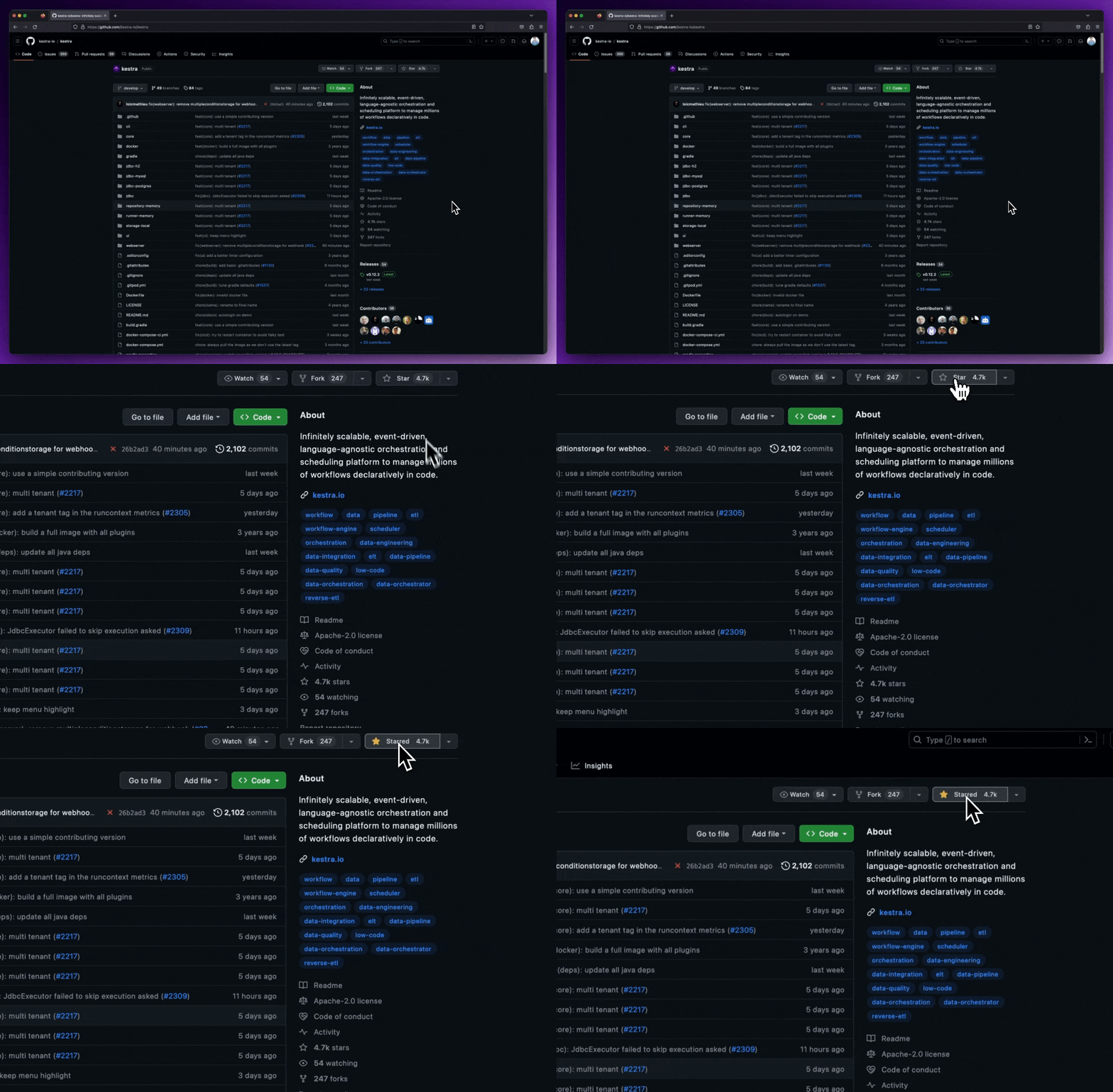
We release new versions every month. Give the main repository a star to stay up to date with the latest releases and get notified about future updates.